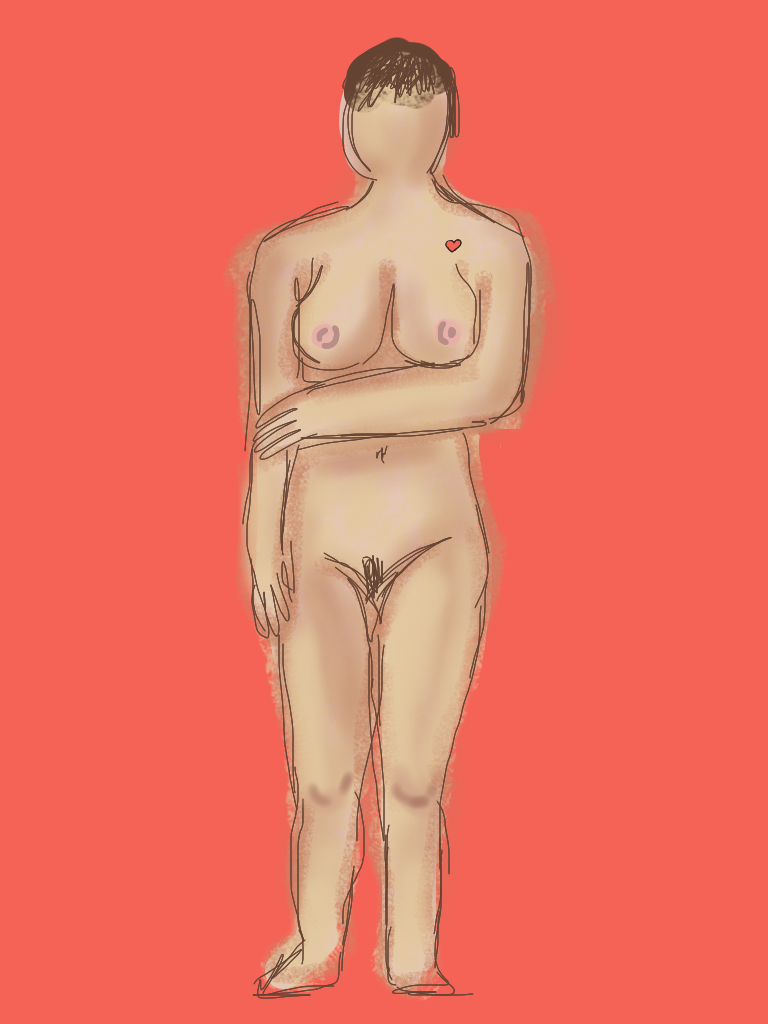
This weeks life drawing was a bit different, because we were drawing on an iPad. I quite enjoyed it, which I wasn't expecting to, because I don't enjoy drawing digitally. It was surprisingly easy, using the application 'brushes' because I could draw with my finger, and change the width of the lines and the type of lines easily.

I usually had four layers on each drawing, one for the background, one for the outline sketch, one for a mid tone flesh coloured fill, all over the figure, and one for the highlights and lowlights. This meant I could erase parts of each layer without disrupting the other parts. I found this worked well because i could rearrange the layers so the outline was on top, even if I drew it before the other parts. I experimented with the different types of brushes and lines to get different effects, some more blurry and fuzzy and some more sharp and detailed.
 I usually had four layers on each drawing, one for the background, one for the outline sketch, one for a mid tone flesh coloured fill, all over the figure, and one for the highlights and lowlights. This meant I could erase parts of each layer without disrupting the other parts. I found this worked well because i could rearrange the layers so the outline was on top, even if I drew it before the other parts. I experimented with the different types of brushes and lines to get different effects, some more blurry and fuzzy and some more sharp and detailed.